NCCM Nonwoven Mill Rolls in Line Applications
Overview
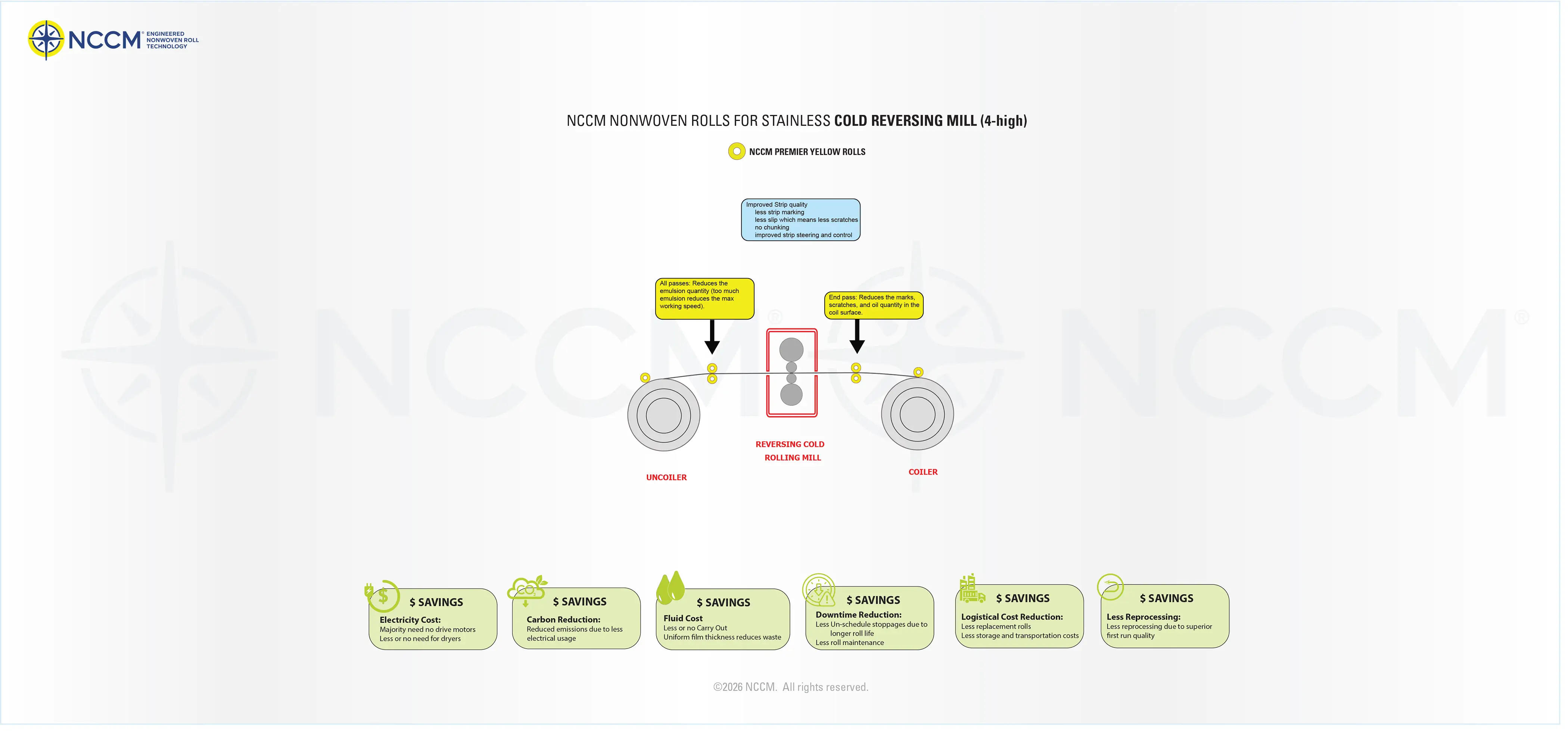
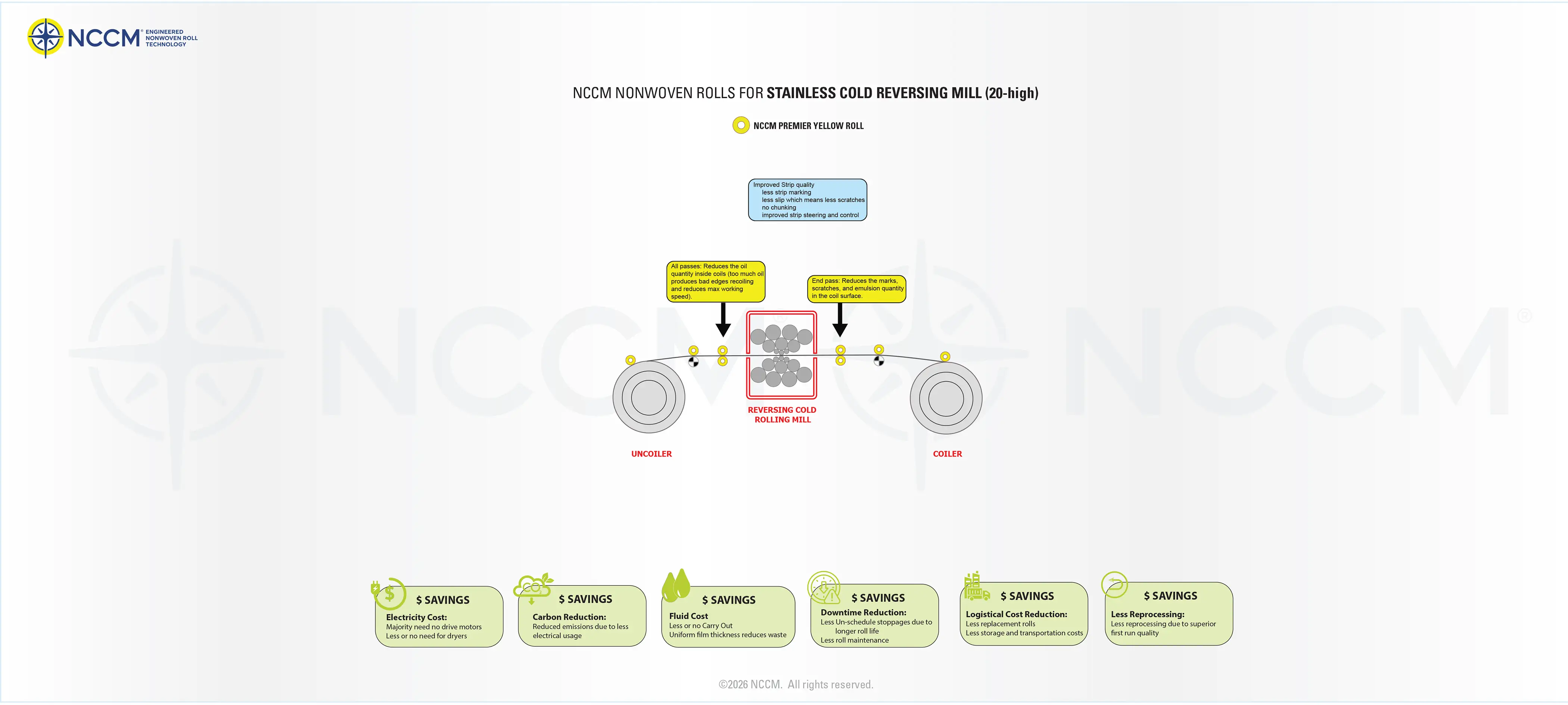
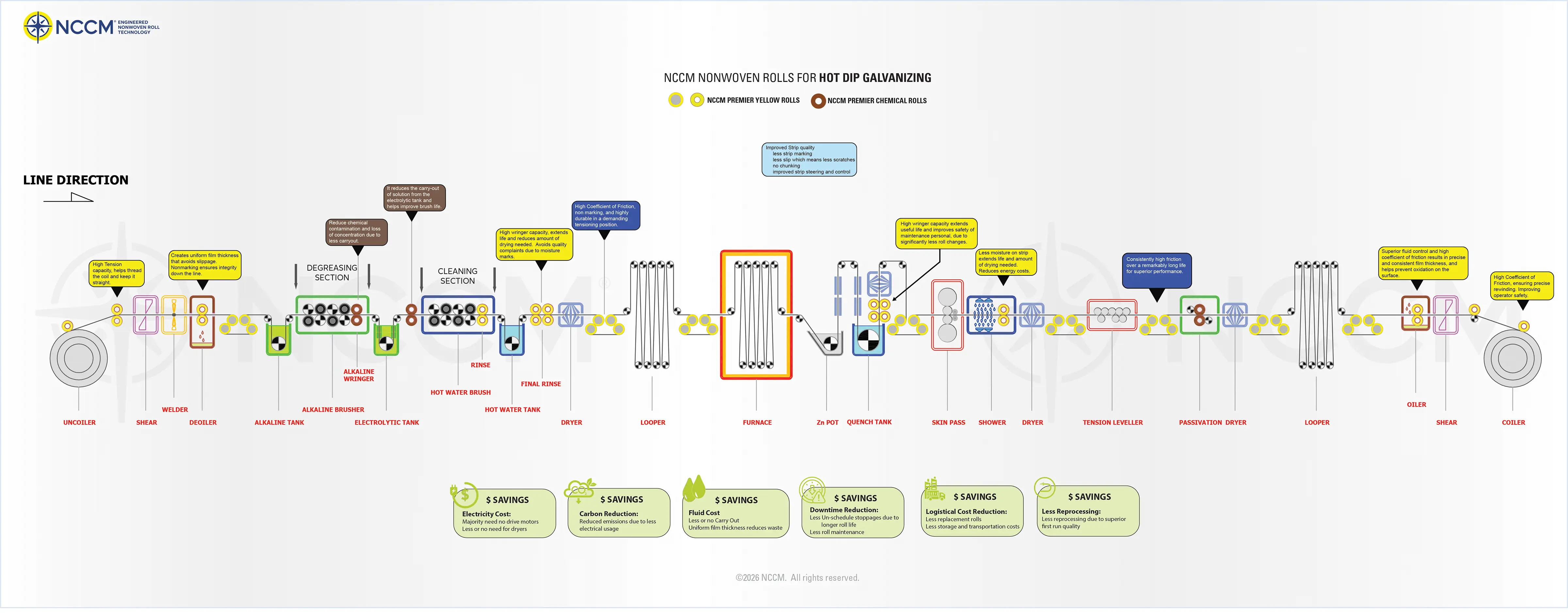
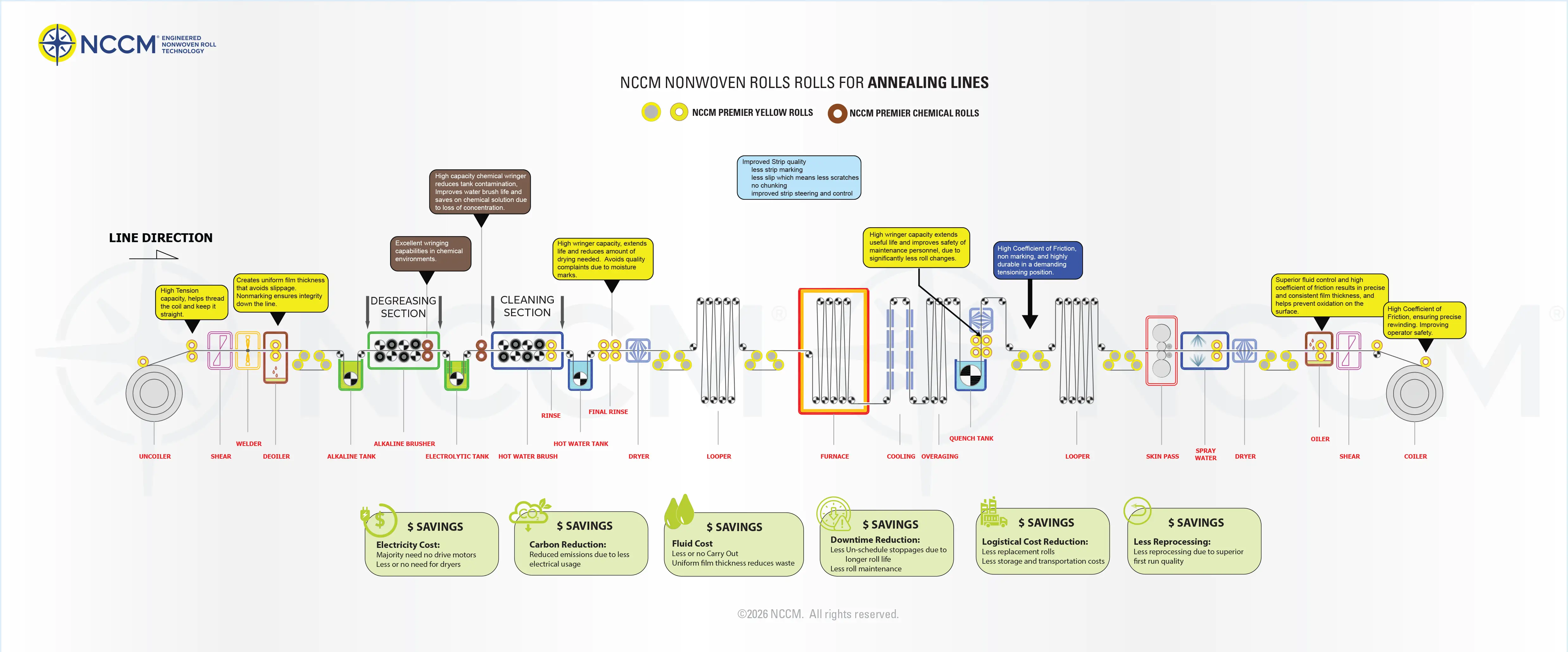
Our nonwoven rolls are designed to replace traditional roll coverings, like rubber, urethane, other nonwovens, various fabrics, carbide coatings, and have features and properties that no other rolls offer.
NCCM has engineered a line of nonwoven roll product solutions with next level performance in many applications. They provide outstanding fluid control, friction control and durability, leading to superior product quality and performance. Additional performance benefits result in more line uptime, and less waste in raw materials. Since every production line operates with different parameters, we custom engineer each and every roll for maximum performance.
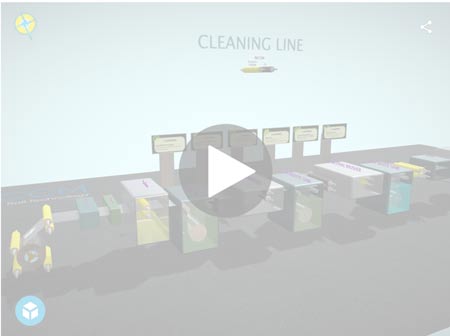
How to Explore the 3D Models
Navigation (laptop/desktop): To Start, click on the model, this will load it. Then select the full screen button in the lower right hand corner. To Rotate the model, hold down the left mouse button as you move the mouse left/right. To Pan (Scroll): Hold down the middle mouse button (Wheel) and move mouse left/right or up/down . To Zoom in/out: click and hold down the middle mouse button (wheel) as you move the mouse up and down. To Reset the 3d view, double click in an empty space in the model.
Navigation (Mobile): To Start, click on the model, this will load it. Then select the full screen button in the lower right hand corner. To Rotate the model, use one finger as you drag left/right or up/down. To Pan (Scroll): Use two fingers and drag left/right. To Zoom in/out: Two fingers pinch in or pinch out.
NOTE: 3D models can be cpu and gpu demanding in addition to needing decent amount of Ram and a good internet connection. With higher performance cpu/gpu/ram, you should experience smooth zooming, rotation, and panning. The 2D models contain all the information that the 3D models have but need much less performance.
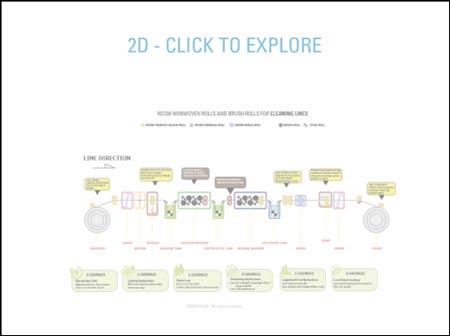
How to Explore the 2D Models
Navigation (laptop/desktop): To Start, click on the 2D model image which will open the viewer. The Navigation is in the top right corner of the window ( ). Once you start zooming into the model, you can use left mouse button to pan left/right/up/down. Close window to return.
Navigation (Mobile): To Start, click on the model, this will load it. Then select the full screen button in the lower right hand corner. To Rotate the model, use one finger as you drag left/right or up/down. To Pan (Scroll): Use two fingers and drag left/right. To Zoom in/out: Two fingers pinch in or pinch out.
For more information on how NCCM Nonwoven Rolls and Products can integrate into your application, contact an experienced NCCM team member today. Be sure to check back, as we are continuing to add new models (3d/2d) and information.